
Network rebuilds · September 28, 2026
Plan a Network Rebuild Before Your Business Outgrows It
Learn when a network rebuild makes sense, what to include, and how to upgrade without turning a normal workweek into a troubleshooting exercise.
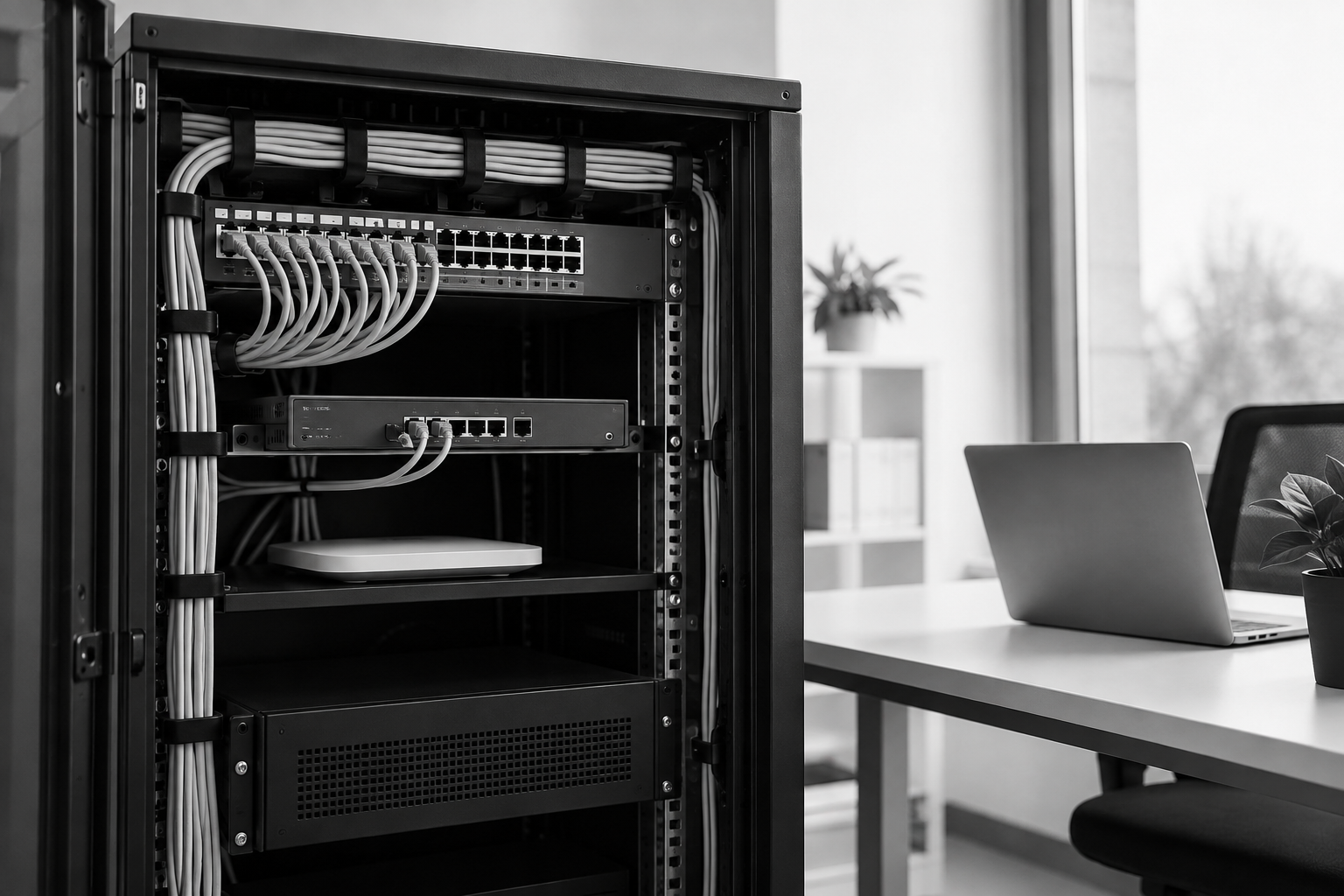
Your office network probably grew one decision at a time. Someone added a wireless router. A new printer needed a connection. More employees meant more devices. Eventually, the setup stopped looking like a plan and started looking like a collection of fixes.
A network rebuild replaces that patchwork with a deliberate design. The goal is not to buy the newest equipment. It is to give your business dependable connections, sensible security boundaries, and a setup someone can actually maintain.
Here is how to approach a rebuild before unreliable technology starts dictating your workday.
Start with the work your network must support
Before discussing equipment, list the activities that depend on your network. Include video meetings, cloud accounting, file access, payment processing, phones, printing, cameras, and backups.
Then ask what happens when each one stops working. A dropped meeting is frustrating. Losing access to a payment terminal during business hours can stop sales.
That distinction helps set priorities. Your network should reflect how your business operates, not a generic equipment package.
Also look ahead. Are you adding staff, moving offices, expanding a warehouse, or introducing more cloud applications? A rebuild should fit into a three to five year technology roadmap, with room for likely changes rather than every imaginable possibility.
Confirm that a rebuild is the right fix
Slow internet does not automatically mean you need a new network. The issue could be an aging laptop, poor wireless placement, a crowded internet connection, or a problem with one application.
Start with an IT environment assessment that checks:
- Internet service and actual performance during working hours.
- Routers, switches, wireless access points, and their support status.
- Cabling, wall connections, and equipment power protection.
- Wireless coverage where people actually work.
- Device access, administrator accounts, and existing security settings.
Ask for findings in plain language, including what can stay. A useful assessment separates isolated repairs from structural problems.
A rebuild becomes more reasonable when several issues overlap, such as unsupported equipment, inconsistent coverage, undocumented wiring, and no separation between guest devices and business systems.
Define what success looks like
“We want better Wi-Fi” is a starting point, not an acceptance test.
Translate that goal into observable results. Employees should be able to hold video calls in designated work areas. Approved devices should reach the printers they need. Guest internet access should work without exposing internal systems.
Document a few requirements before approving the project:
- Which areas need reliable wired or wireless connections?
- Which systems must remain available during business hours?
- Who needs remote access, and to what?
- What changes are expected over the next few years?
- Who will manage the network after installation?
These answers give you a practical way to compare proposals and decide whether the finished work meets your needs.
Build security into the layout
Not every connected device should have the same access.
Employee computers, guest phones, security cameras, and building controls have different jobs. Separating them into appropriate network groups can limit unnecessary access and reduce the reach of a compromised device.
That separation needs careful configuration. A separate wireless name alone does not prove that devices are isolated. Your provider should verify which connections are allowed and which are blocked.
The rebuild should also address administrator permissions, software updates, secure remote access, and configuration backups. Keep a record of who owns equipment accounts and subscriptions. Your business should retain control of its systems, even when an outside provider manages them.
Treat the changeover as its own project
Good design still needs a careful rollout.
Ask for a written changeover plan with a maintenance window, expected interruptions, staff instructions, and a rollback option if something important fails. Where feasible, new equipment should be configured and checked before the old setup is disconnected.
Make a short testing checklist based on a normal business day. Test payment processing, phones, printing, shared files, remote connections, and key cloud applications as applicable. Check guest isolation as well as guest connectivity.
Assign someone from your business to confirm that essential workflows work. A technician seeing green status lights is not the same as your team completing its daily tasks.
Budget for ownership, not just installation
Compare the full cost of operating the network. Hardware and installation are only part of it. Depending on the design, you may also need licenses, monitoring, recurring support, spare equipment, and eventual replacements.
Ask what happens if a device fails and how quickly help is available. For a remote-first support model, clarify which problems can be handled remotely and how any necessary onsite work will be arranged.
Before closing the project, request a network diagram, equipment inventory, securely stored access details, configuration backups, and a support handoff. Schedule a follow-up review after normal usage has had time to reveal anything initial testing missed.
A successful rebuild should leave you with fewer unknowns, not just newer hardware.
T2 Systems LLC helps small businesses assess their networks and plan practical rebuilds around daily operations and future needs. Book a free call or take the free IT Health Score to identify a sensible next step.